Barcode Printer Shop
Zebra ZD621 4-Inch Desktop Direct Thermal Label Printer 300 dpi 6 ips USB Ethernet Serial Bluetooth LE ZD6A043-D01F00EZ
Zebra ZD621 4-Inch Desktop Direct Thermal Label Printer 300 dpi 6 ips USB Ethernet Serial Bluetooth LE ZD6A043-D01F00EZ
Key Features
- Prints 4.27 in (108 mm) wide at up to 6 inches per second at 300 dpi.
- Direct thermal build with no ribbon to buy, stock or change.
- Ethernet, RS-232 serial, USB 2.0, USB host and Bluetooth LE are ALL standard, not modules.
- Takes media up to 4.25 inches wide on a 5-inch roll.
- 512 MB of Flash and 256 MB of SDRAM, with 64 MB left free for your fonts and formats.
- Speaks ZPL II, EPL2, XML, ZBI and PDF Direct, so it drops into an existing Zebra estate.
- Zebra positions the ZD600 Series as the replacement for the GX, ZD500 and ZD620 lines.
- Backed by a two-year Zebra warranty.
- Drop-in media loading: lift the lid, drop the roll in, close it, and the printer calibrates.
- Link-OS firmware, so the printer is configurable and updatable from Zebra's own tooling.
- Labels are sold separately, so stock can be matched to the job rather than bundled.
- Ships with the printer, an external power supply, a US power cord and a USB cable.
Key Specifications
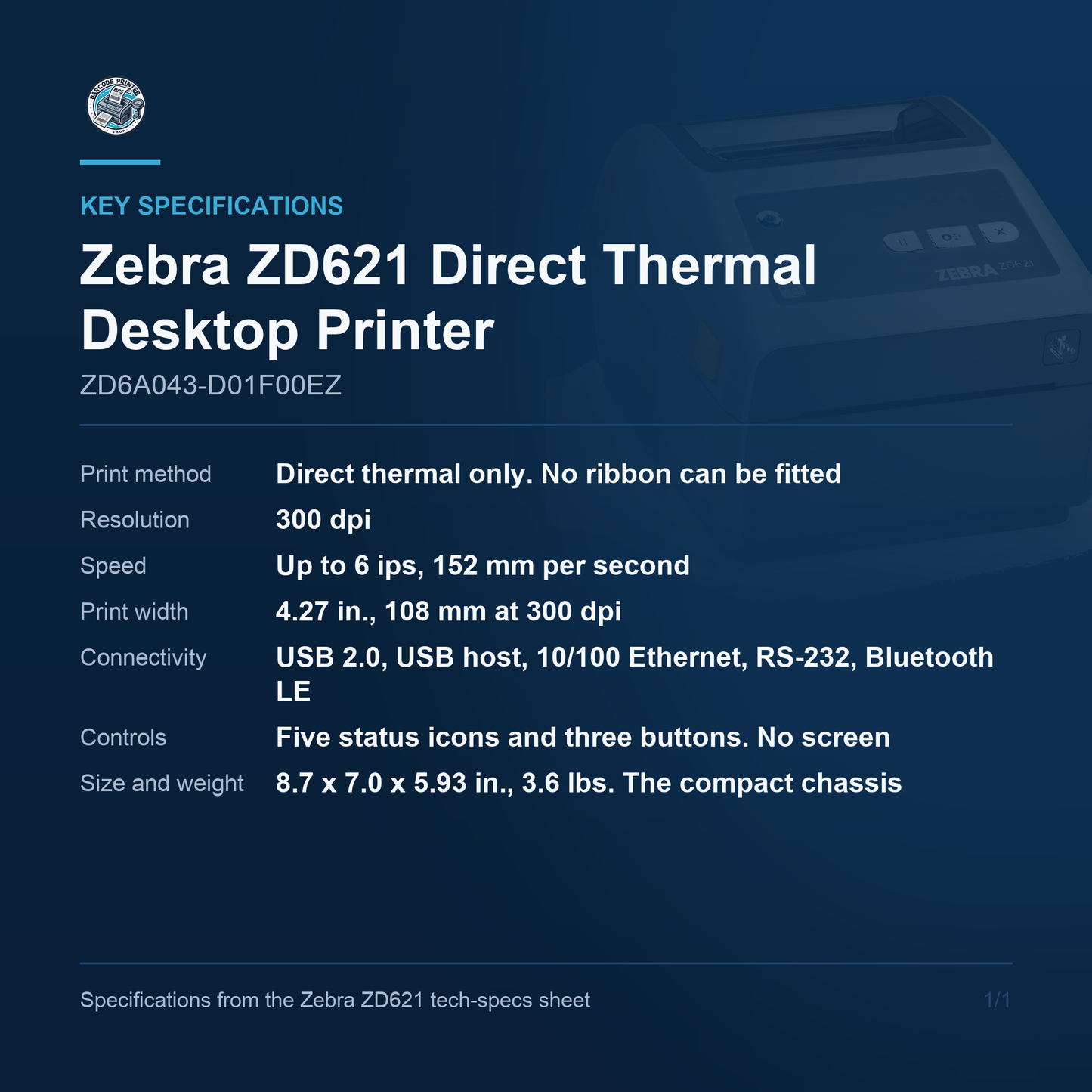
- Model: Zebra ZD621, ZD600 Series 4-inch desktop
- Print method: Direct thermal, no ribbon
- Resolution: 300 dpi
- Print speed: Up to 6 ips (152 mm/s)
- Print width: Up to 4.27 in (108 mm)
- Max print length: 39.0 in (991 mm)
- Media width: 0.585 to 4.25 in
- Media roll: 5.00 in (127 mm) OD, 0.5 in and 1.0 in cores standard
- Ribbon: Not applicable, direct thermal
- Memory: 512 MB Flash, 256 MB SDRAM, 64 MB user-available
- Connectivity: 10/100 Ethernet, RS-232 serial, USB 2.0, USB host, Bluetooth LE
- Warranty: 2 years
Which configuration this is
This is the 300 dpi direct thermal build of the ZD621. Direct thermal means there is no ribbon system at all, which makes it the cheaper and simpler choice for shipping labels, pick tickets and anything with a service life measured in days. It cannot be converted to thermal transfer later: the chassis is physically different. At 300 dpi the print width is 4.27 in (108 mm) and the top speed is 6 inches per second. Resolution is factory-installed and cannot be changed in the field, so choose it at order time.
Speed and resolution
At 300 dpi this printer runs at up to 6 inches per second, which is 152 millimetres per second, and it is programmable down to 2 ips for fine detail. Worth stating plainly because the trade gets it wrong: the 8 ips headline attached to the ZD621 is the 203 dpi figure only, and the 300 dpi build tops out at 6. At least one major distributor publishes 6 ips against a 203 dpi ZD621 part number, which is the 300 dpi speed and also happens to be the ZD421's 203 dpi speed - somebody crossed the two. A single label can run to 39 inches on any of them.
Interfaces and network
Every interface on the ZD621 is standard. Ethernet, an RS-232 serial port on a DB-9, USB 2.0, a USB host port and Bluetooth Low Energy all ship fitted, with nothing to add and no module to buy. That is a real difference from the ZD411 and ZD421 further down the range, where Ethernet and serial are optional modules that occupy a slot, and it is the main reason to pay the difference. Wi-Fi 6 with Bluetooth 5.3 is available on the ZD621, both factory-fitted and field-installable, but it is not present on this part number. If the printer needs to be wireless, that is a different code.
Media handling
Media runs from 0.585 to 4.25 inches wide at 3 to 7.5 mil thick, on a roll up to 5 inches in diameter with a half-inch or 1-inch core as standard, and 1.5, 2 or 3-inch cores with optional adapters. There is no ribbon and no ribbon path. One thing to watch when reading Zebra's own literature: the ZD621 spec sheet's box-contents line mentions empty ribbon take-up cores and 300 metre ribbon adapters, but those carry an asterisk that applies them to the thermal transfer build only. They do not ship with this printer.
Display and setup
This part number has the LED interface: five status icons and three buttons. The 4.3-inch full-colour touch LCD that appears in a lot of ZD621 photography is real, but it belongs to a different stem in the part number and is standard only on the healthcare and RFID builds. If you are comparing stock images against what will arrive, this printer has no screen. Setup runs from Zebra's printer setup app for Android and iOS over Bluetooth Low Energy, or from Link-OS tooling over the network, which for a fleet is the more useful route anyway.
What is included
In the carton: the ZD621 printer, an external AC power supply, a United States power cord, a USB cable, a Quick Start Guide and a Regulatory Guide. Labels and media are not included, and neither is an Ethernet nor a serial cable, even though both ports are fitted and ready. A USB cable is the only interface cable in the box, so if you intend to run this printer on the network or against a legacy serial host, add that lead to the order. Zebra publishes no per-part-number packing list, so this is assembled from the ZD621 spec sheet, the ZD421 and ZD621 user guide and two distributor listings for these exact codes, all of which agree. Order the patch lead and your label stock alongside the printer and it will commission on the day it lands rather than a week later.
Where it fits
The ZD621 is Zebra's premium desktop, and the reason to choose it over the cheaper ZD411 or ZD220 is connectivity and speed. Ethernet and serial fitted as standard means it drops onto a network or onto a legacy scale, terminal or applicator without buying a module. It suits shipping benches, laboratory and specimen labelling, retail back office, light manufacturing and any bench that prints steadily all day. If you need wireless, a colour touch screen, a cutter or a peeler, all four exist on the ZD621 line - just not on this part number.
For a bench that needs a fast 4-inch desktop printer with Ethernet and serial fitted as standard rather than bought as extras, the Zebra ZD621 ZD6A043-D01F00EZ is a strong choice. Contact us to learn more or secure this solution for your business today.
Couldn't load pickup availability
Share