Barcode Printer Shop
Zebra USB Cable Series A 7 ft Straight for LS2208 and DS Series Corded Scanners CBA-U01-S07ZAR
Zebra USB Cable Series A 7 ft Straight for LS2208 and DS Series Corded Scanners CBA-U01-S07ZAR
Key Features
- Genuine Zebra USB Series A cable, 7 ft (2.1 m), straight - not coiled.
- The exact cable Zebra bundles in the LS2208 USB kits, so it is a like-for-like replacement.
- Carries both data and the 4.5 to 5.5 V DC host power a Zebra corded scanner draws.
- USB Type A male at the host; modular RJ-style plug into the scanner handle base.
- Sets the scanner to USB: on Zebra corded scanners the cable determines the active interface.
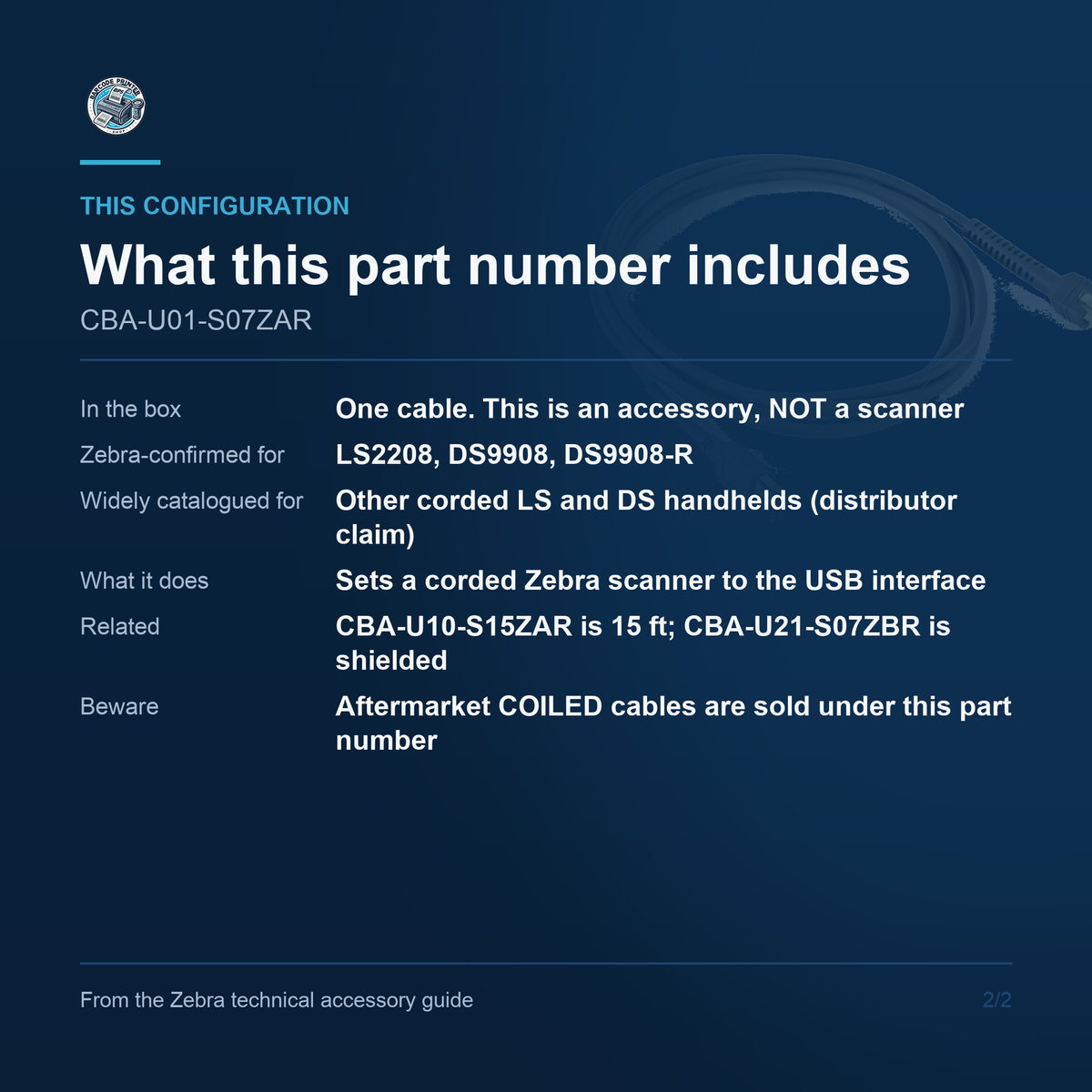
- Zebra-confirmed for the LS2208, DS9908 and DS9908-R; widely used across the corded LS and DS range.
- User-replaceable at the scanner end, so a damaged cable does not retire a working scanner.
- No power supply required or included - the host USB port powers the scanner through this cable.
Key Specifications
- Zebra Description: USB Cable: Series A Connector, 7 ft. Straight
- Length: 7 ft / 2.1 m
- Geometry: Straight. The genuine Zebra part is not coiled
- Shielding: Non-shielded. The shielded equivalent is CBA-U46-S07ZAR
- Host Connector: USB Type A male
- Scanner Connector: Modular RJ-style plug seating in the scanner handle base
- Power: Bus powered; carries 4.5 to 5.5 V DC host power alongside data
- Zebra-Confirmed Scanners: LS2208, DS9908, DS9908-R
- In the Box: One cable. This is an accessory, not a scanner
What This Is
CBA-U01-S07ZAR is a cable, not a scanner. It is Zebra's 7 foot straight USB Series A interface cable, and it is the exact part Zebra bundles inside the LS2208 USB kits, which makes it the correct like-for-like replacement when a cable is damaged, lost, or simply too short for a new bench layout. USB Type A plugs into the host at one end; a modular RJ-style plug seats in the base of the scanner handle at the other. It carries the scanner's data and its 4.5 to 5.5 V DC power over the same run, which is why no separate power supply appears anywhere in a Zebra corded USB installation.
Straight, Not Coiled
Zebra's own description string for this part reads 'USB Cable: Series A Connector, 7 ft. Straight'. That is worth stating plainly because aftermarket coiled cables are marketed under this part number by third-party sellers, and a coiled cable behaves differently on a counter: it retracts, it pulls back against the operator, and it will not lie flat along a cable run. If a coiled cable is what the bench needs, order one deliberately rather than expecting it here. This part is also non-shielded; the shielded equivalent is CBA-U46-S07ZAR.
Cable Sets the Interface
On Zebra corded scanners the cable is not an accessory in the ordinary sense - it decides what the scanner is. The same LS2208 body presents as USB, RS-232, Keyboard Wedge or IBM 46XX depending entirely on which cable is fitted. Ordering this part converts a scanner-only part number into a working USB scanner, or converts a serial installation to USB. It also means the reverse: fitting this cable to a scanner configured for another interface will require reconfiguring the scanner, which Zebra's 123Scan utility handles by barcode or over the USB link.
Compatibility
Zebra's own documentation confirms this cable for the LS2208 and for the DS9908 and DS9908-R. It is catalogued far more widely than that across the Symbol and Zebra corded handheld range, including the LS1203, LS4208, LS4278, DS2208, DS4308 and others, but those associations come from distributor catalogues rather than from a Zebra compatibility table, so check the scanner's own accessory guide before ordering for a model outside the three Zebra names. Related Zebra parts worth knowing: CBA-U10-S15ZAR is the 15 ft straight version, and CBA-U21-S07ZBR is the shielded 7 ft cable used with the DS2278 and DS8178 cradles.
For anyone replacing a damaged scanner cable, converting a scanner-only part number into a working USB station, or keeping a spare on the shelf, the Zebra CBA-U01-S07ZAR is the genuine part. Contact us to learn more or secure this solution for your business today.
Couldn't load pickup availability
Share